.jpg)
.jpg)
.jpg)

Download Snapchat APK – Social Networking, Instant Messaging, Photo Sharing, Video Calls, Bitmoji, Geofilters, My AI
Overview
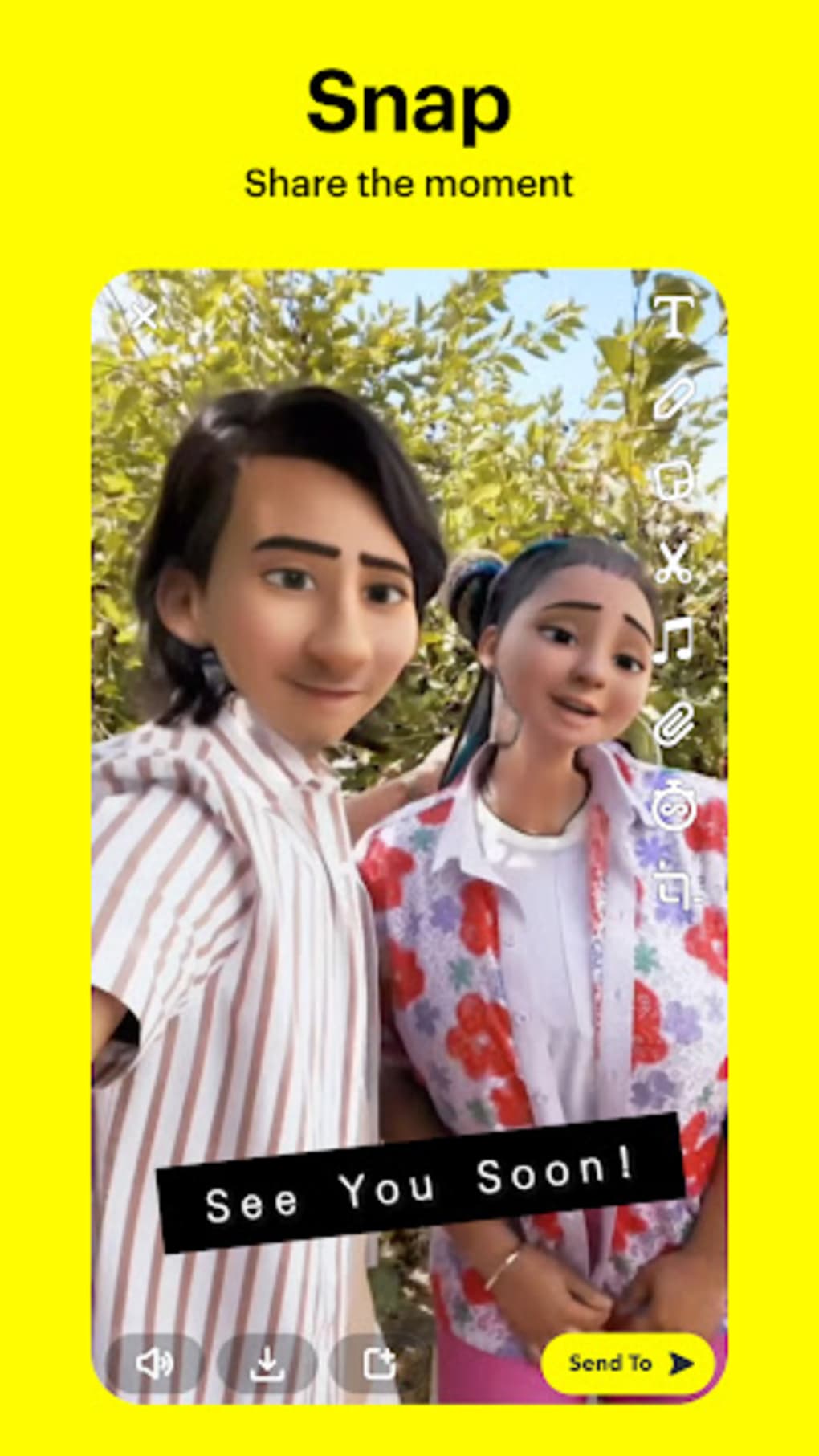
Snackchat is a dynamic and interactive social communication platform designed to facilitate the sharing of real-time visual content. The app enables users to send and receive temporary photos and videos—known as "snaps"—that disappear after a short viewing period. This ephemeral nature of content encourages spontaneous and authentic self-expression, making it ideal for personal connections and casual communication. The software supports both one-on-one messaging and group interactions, allowing users to maintain ongoing conversations with friends and family. It is particularly popular among younger demographics and social media enthusiasts who value immediacy and creativity in their digital interactions.
Snackchat also provides tools for content creators and public figures, including analytics through Snapchat Insights, which offers insights into audience engagement, view counts, and demographic data. This feature is accessible to accounts with over 1,000 followers or verified profiles. The app supports multimedia sharing with a variety of filters, lenses, and effects, enhancing the visual appeal of shared content. Users can also create personalized Bitmojis to represent themselves in conversations and stories. Real-world usage includes sharing daily moments, attending events, coordinating meetups, and engaging with trending topics through the Discover tab.
Key Features & Capabilities
- Ephemeral Content Sharing: Send photos and videos that disappear after being viewed, promoting spontaneous and authentic communication.
- Bitmoji Integration: Create and customize avatars that reflect your appearance and personality, enhancing personal expression in messages and stories.
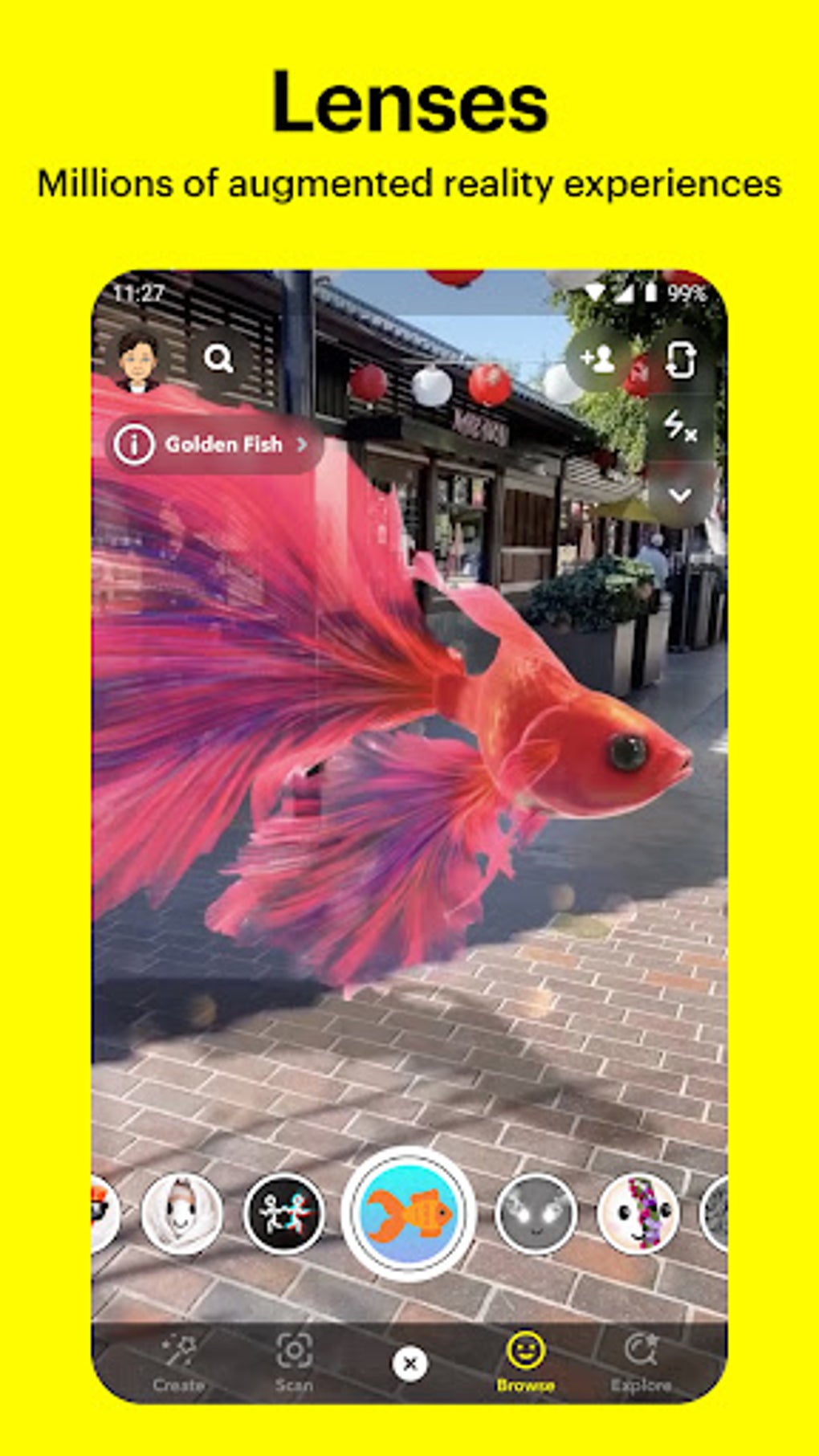
- Geofilters: Automatically generated location-based overlays that appear when sharing content from specific places, often tied to events or landmarks.
- Snapmap: A location-sharing feature that displays users’ real-time locations on a map using Bitmoji avatars, enabling friends to find each other and view nearby stories.
- Video Calling: Supports group video calls with up to 15 participants, offering a secure and interactive way to connect with multiple people simultaneously.
- My AI: An AI-powered chatbot available to Snapchat+ subscribers and soon to be rolled out to all users, capable of answering questions, generating content, and engaging in casual conversation.
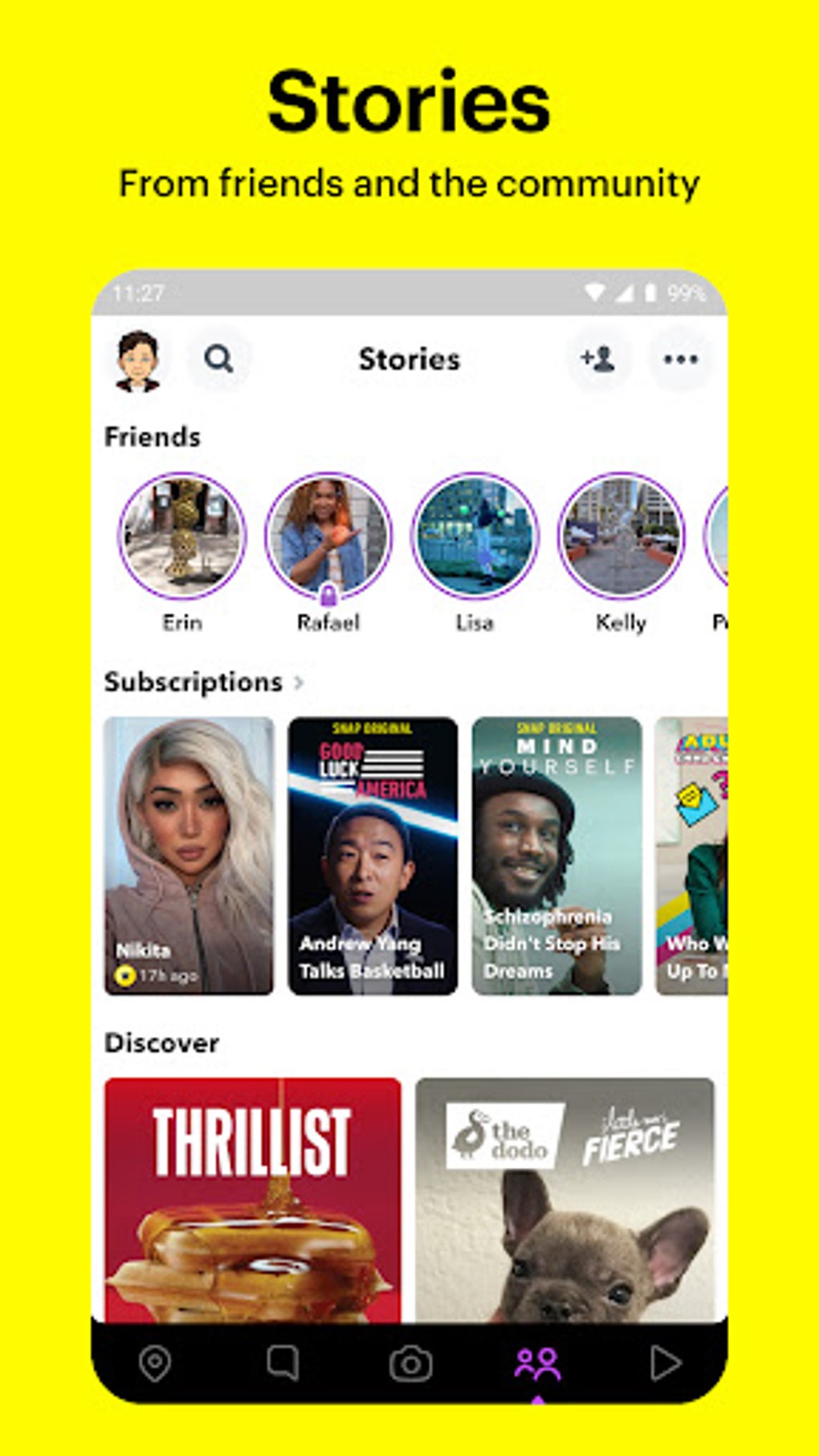
- Discover Tab: A curated feed of trending stories, news, influencer content, and TV shows, allowing users to explore diverse topics and stay updated.
- Content Controls: Parental control features that allow guardians to restrict access to sensitive content, helping ensure a safer experience for younger users.
These features support a wide range of use cases, from casual check-ins with friends to event documentation and content discovery. The integration of AI and location-based tools enhances user engagement and personalization. The app’s design encourages frequent interaction through visual storytelling and real-time updates.
User Interface, Workflow & Performance
The user interface of Snapchat is clean and intuitive, centered around the camera as the primary entry point. Upon launching the app, the camera view opens immediately, inviting users to capture and share a snap. Navigation is streamlined through bottom tab icons for the camera, chat, stories, Discover, and profile. The layout prioritizes visual content and quick access to core functions.
Workflow efficiency is high for basic tasks like sending snaps, applying filters, or initiating a video call. The app’s gesture-based controls—such as swiping left or right to navigate between features—support rapid interaction. However, the frequent updates to the interface may occasionally lead to confusion for new or infrequent users. Performance details were not specified by the developer. General behavior suggests stable operation under typical usage conditions, though exact CPU and RAM usage remain undisclosed.
Compatibility & System Requirements
Snackchat is available for Android and iOS devices. The app supports both smartphones and tablets with compatible operating systems. Installation size and hardware requirements were not specified by the developer. The app is distributed via official app stores, including the Google Play Store and Apple App Store. Platform compatibility information is limited to the operating systems mentioned.
Exact system requirements were not listed. The developer did not provide additional system requirements. Users should ensure their device meets the minimum standards set by their respective app store. Updates are delivered through the app store, ensuring users receive the latest version with improved functionality and security patches.
Pros and Cons
Pros
- Intuitive, camera-first interface for quick content sharing
- Rich set of creative tools including filters, lenses, and Bitmojis
- Supports group video calls with up to 15 participants
- Offers location-based geofilters and Snapmap for real-time tracking
- Includes AI-powered My AI for interactive chat and content assistance
- Provides content discovery through the Discover tab
- Parental controls help protect younger users from inappropriate content
Cons
- Frequent UI changes may confuse new or returning users
- Advanced analytics (Snapchat Insights) only available to verified or large accounts
- My AI may provide inaccurate responses and cannot assist with complex tasks like essay writing
- Requires an active internet connection for full functionality
- Privacy settings can be complex for less tech-savvy users
FAQ Section
Is Snapchat available for free?
Yes, the Snapchat app is free to download and use. Additional features like My AI and enhanced tools are available through Snapchat+, a subscription service.
Can I use Snapchat without an internet connection?
Basic functionality such as viewing saved content is possible offline, but most features—including sending snaps, video calls, and accessing Discover—require an active internet connection.
Is Snapchat safe for minors?
Yes, Snapchat includes safety features like Content Controls and parental supervision through Family Center. These tools help restrict access to sensitive content and monitor interactions, especially with AI features.
How often does Snapchat release updates?
Snackchat regularly releases updates to improve performance, add new features, and enhance security. Updates are delivered automatically through the Google Play Store and Apple App Store.
What kind of license does Snapchat use?
Snackchat operates under a proprietary software license. The app is distributed under the terms of service provided by the developer, with no open-source components publicly disclosed.
Final Thoughts
Snackchat stands out as a versatile and engaging social platform that blends visual communication with interactive features. Its focus on ephemeral content, creative tools, and real-time interaction makes it a favorite among younger users and digital creators. The integration of AI, location-based features, and secure group video calls adds significant value beyond simple photo sharing.
While the interface evolves frequently, the core experience remains intuitive and user-friendly. The app is ideal for individuals who value authenticity, creativity, and real-time connection. For users seeking a dynamic way to share life moments and stay connected, Snapchat delivers a compelling experience.
Download Snackchat now.





.png)

